Sign Up & Login
This guide walks you through creating a Servala account and logging in to the portal.
Creating an account
-
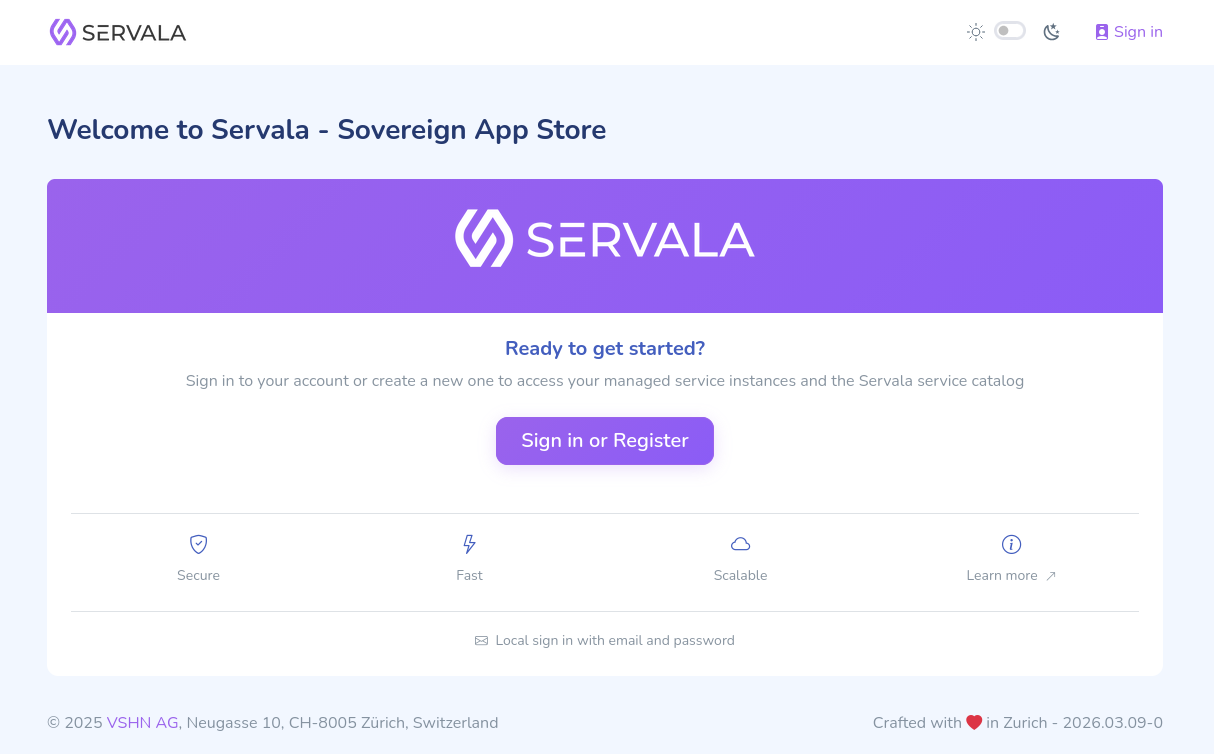
Navigate to portal.servala.com.
-
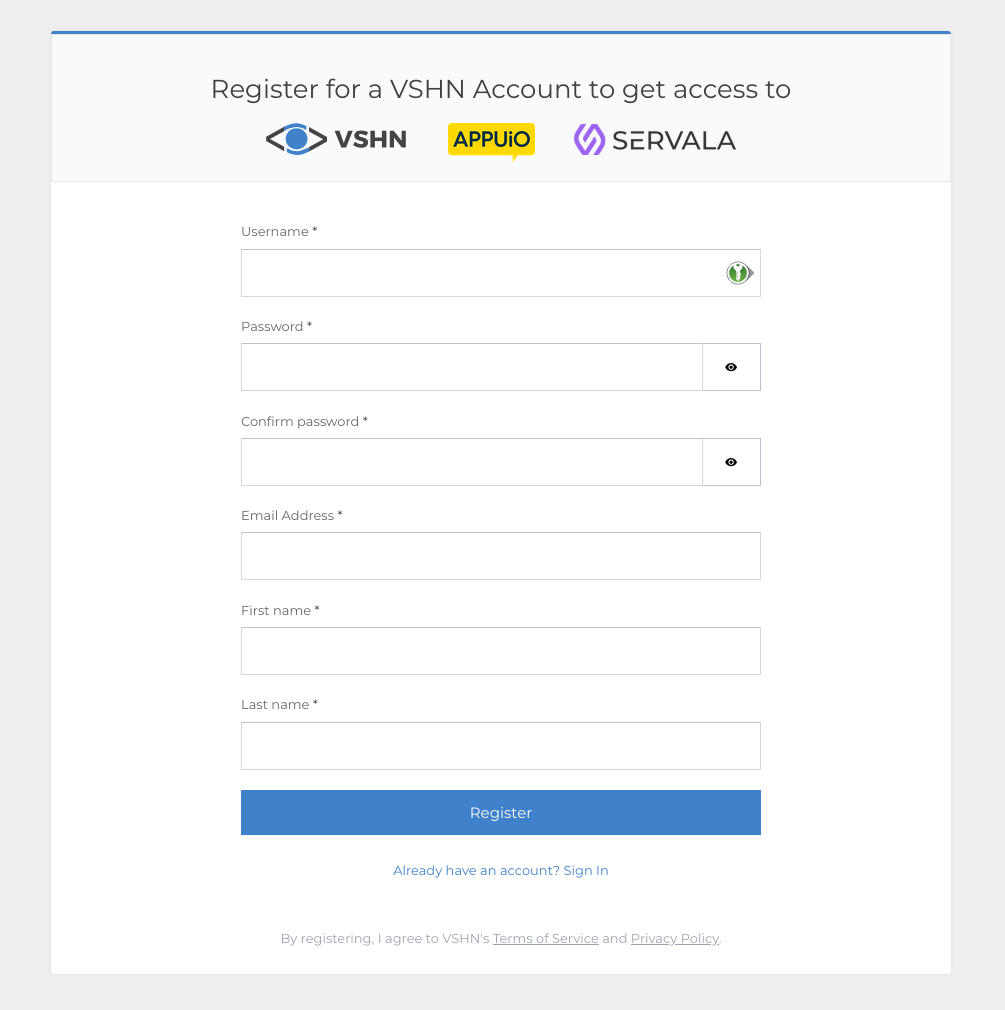
Click Sign Up to create a new account.
-
Fill in your email address and choose a password.
-
Verify your email address by clicking the link in the confirmation email.
-
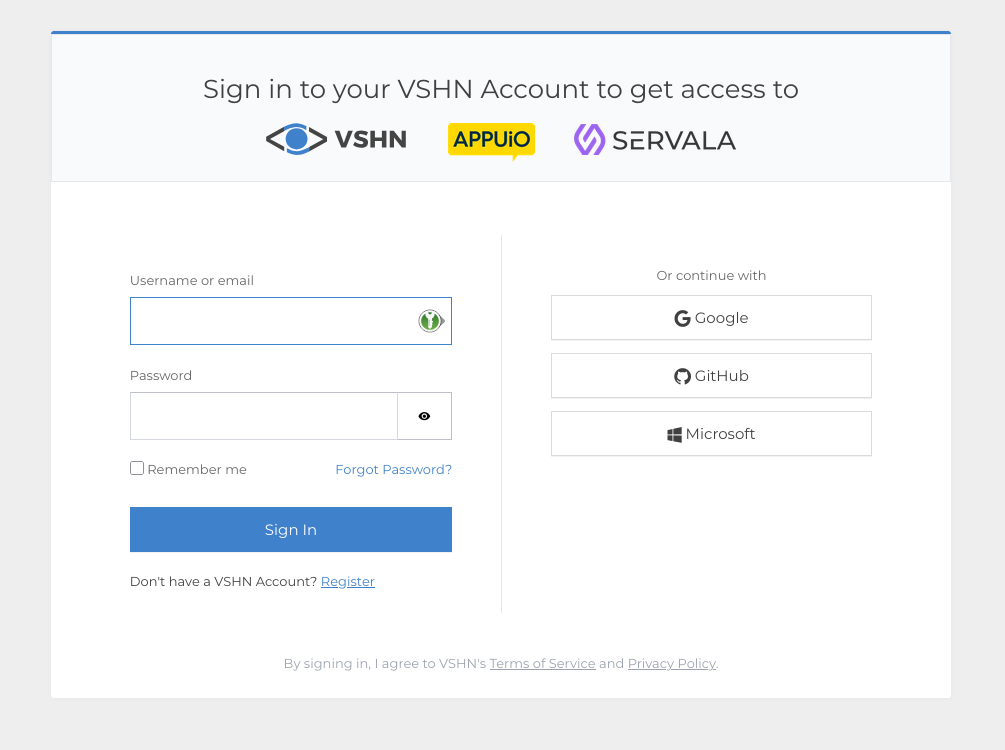
Log in with your new credentials.
Creating your first organization
After logging in for the first time, you'll need to create an organization. Organizations are the top-level container for all your services and team members.
- Click Create Organization on the dashboard.
- Enter a name for your organization.
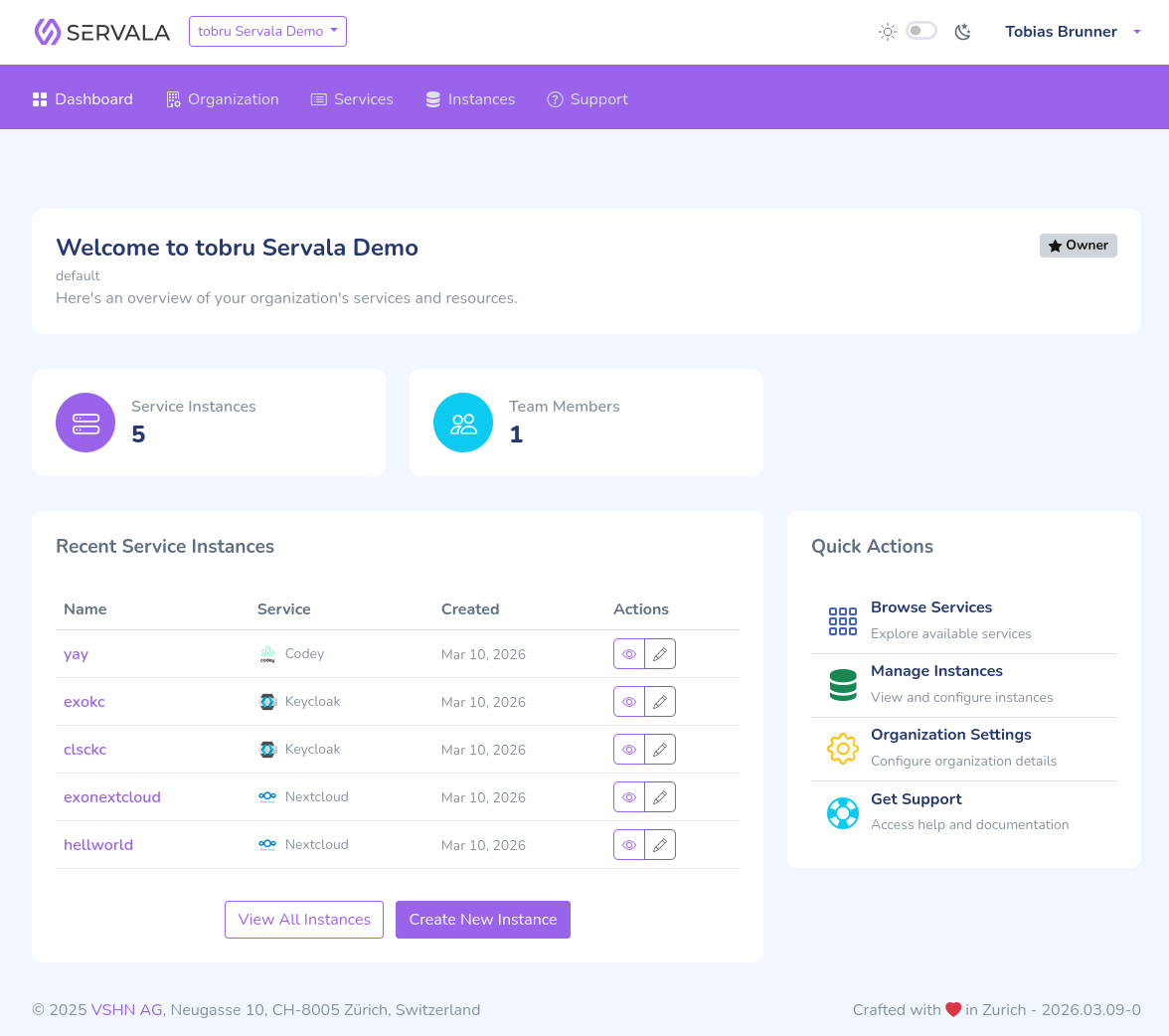
- You'll be set as the Owner of the organization.
Once your organization is created, you'll see the portal dashboard.
Next steps
You're ready to provision your first service. Head to Your First Service.